

1
Launch a token
Create a coin on Plum in a few simple steps for 0.1 SOL, paid once to Plum’s launch wallet. It is created on pump.fun and trades on the bonding curve right away.
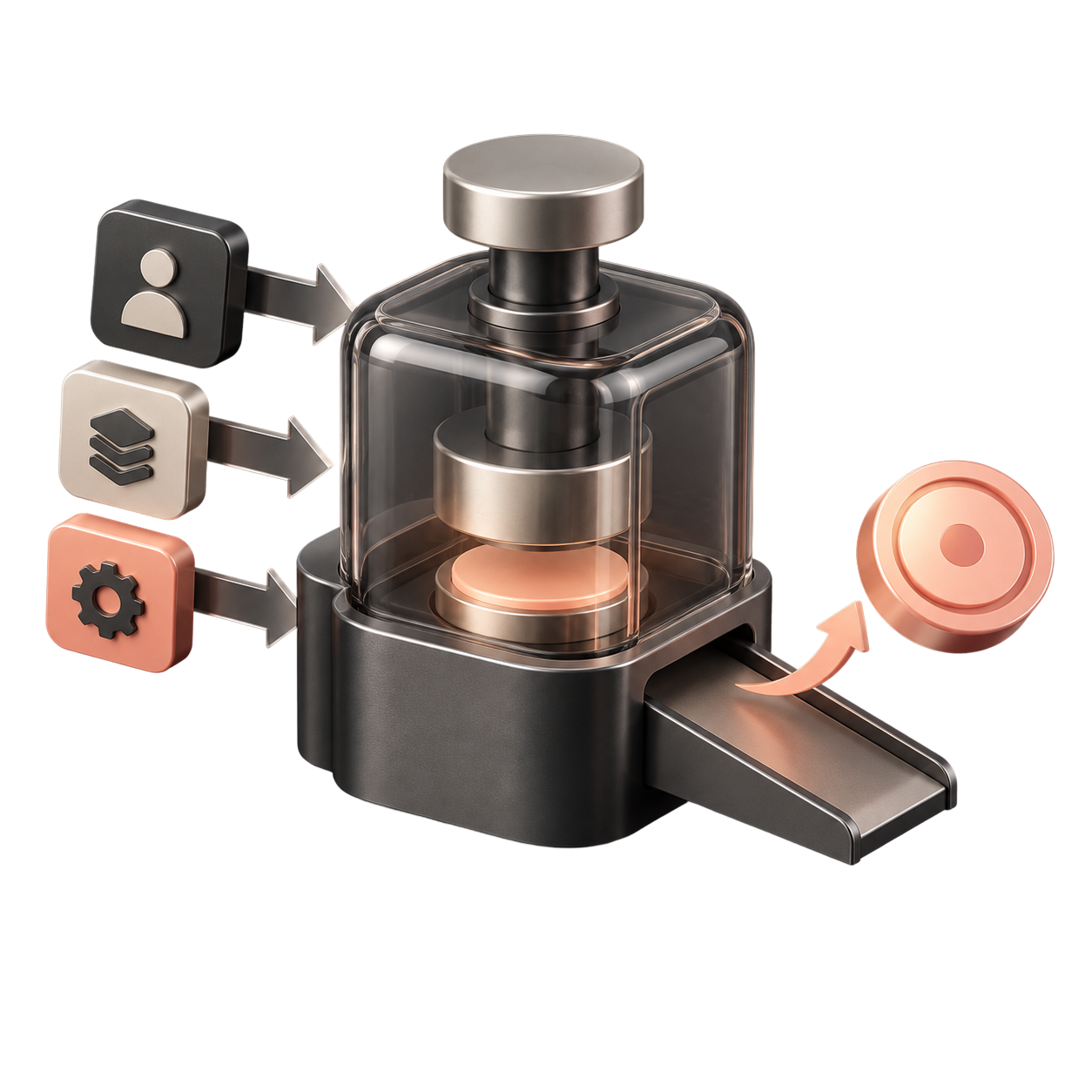
- Simple to startAdd a name, a ticker and a picture, then launch.
- One payment0.1 SOL, once. Plum covers pump.fun’s create cost.
- Optional pre-buyBuy your own coin from your own wallet right after it is created.
2
Trade on the bonding curve
Before graduation, the price follows pump.fun’s bonding curve and adjusts as tokens are bought and sold.
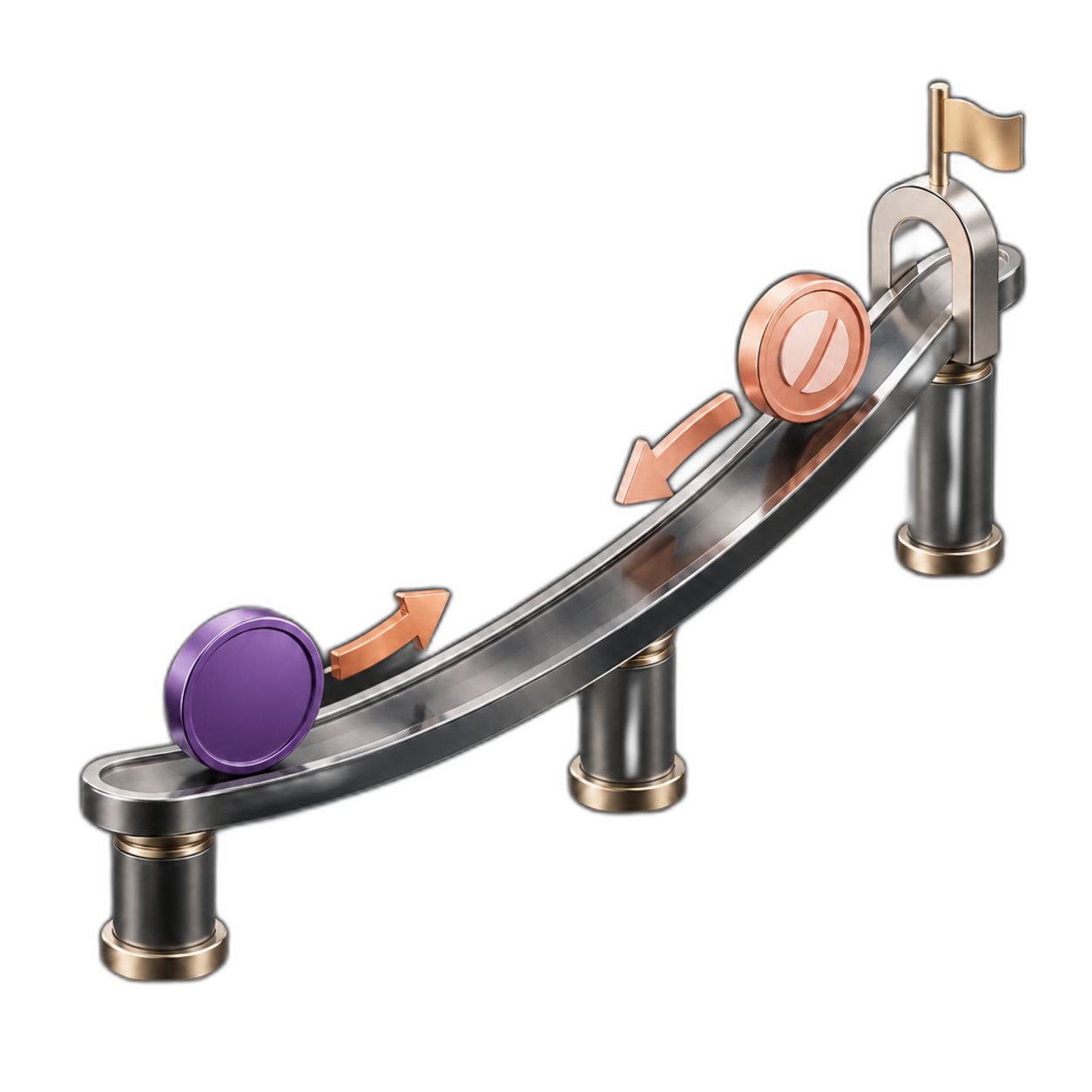
- Follow graduation progressBuying moves the curve toward graduation at about 85 SOL raised.
- Curve-based pricingThe price adjusts automatically along the bonding curve.
- Feespump.fun’s trading fee applies to every trade. Creator fees go to Plum’s launch wallet.
3
Graduate your token
When the bonding curve completes, at about 85 SOL raised, the coin moves to PumpSwap and keeps trading there.
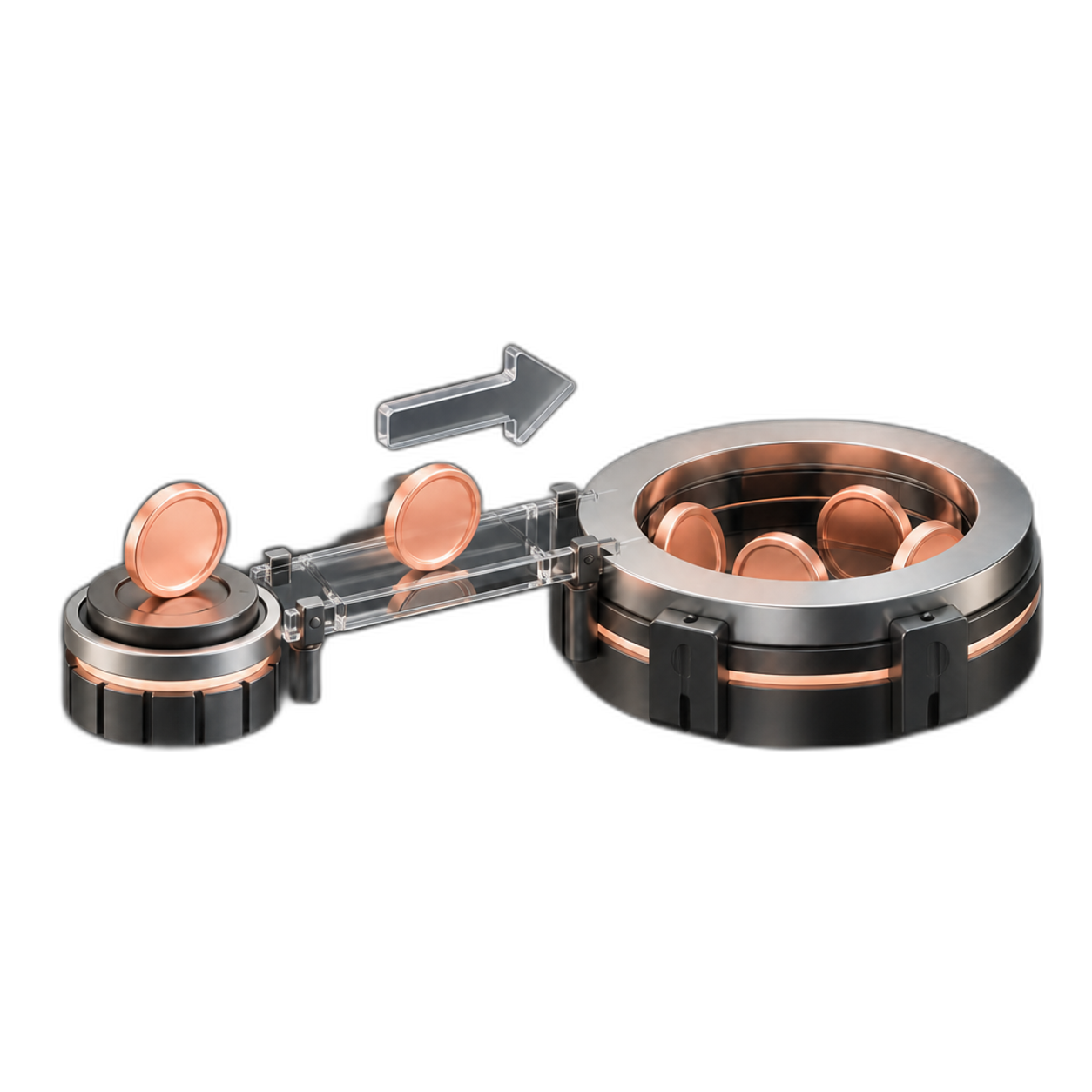
- Graduate automaticallyCompleting the curve triggers graduation on pump.fun.
- Keep tradingTrading continues in the coin’s PumpSwap pool.
- Same coinHolders keep their tokens and the address stays the same.
4
Track the market
Use Explore, Ranking, Heatmap and Dashboard to see what’s moving on Plum.

- Explore and RankingFind new, trending and graduated coins and the biggest movers.
- Heatmap and DashboardSee volume, trades and graduations across Plum at a glance.
- Discover opportunitiesFollow coins and market moves anytime.